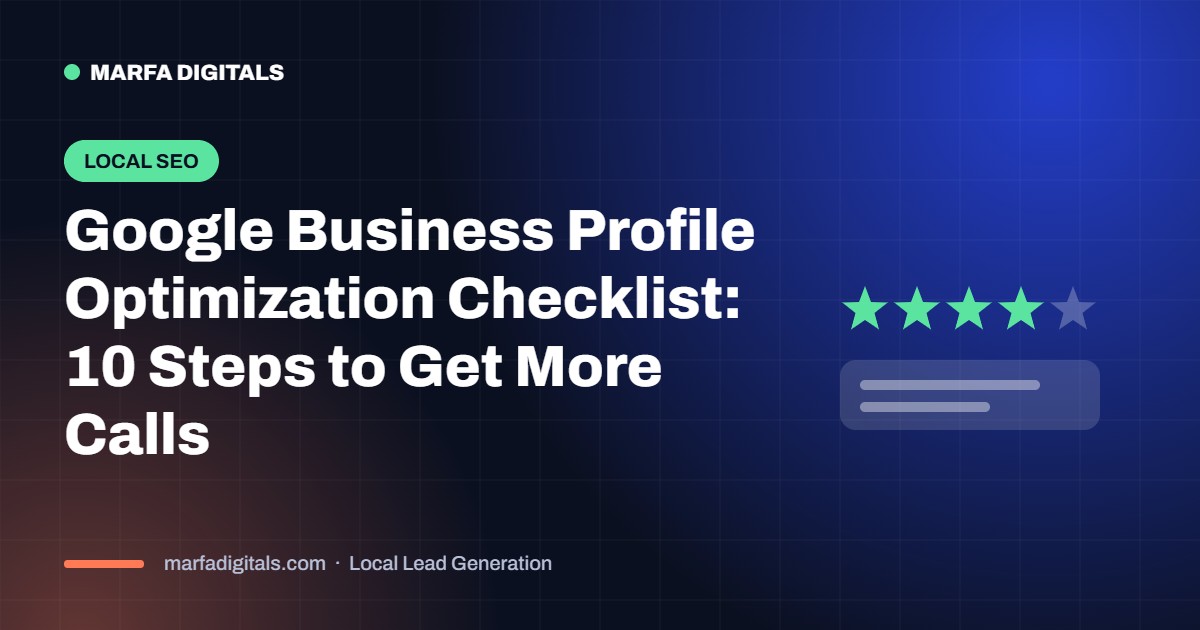
Your Google Business Profile is a free source of local calls. Use this 10-step checklist to rank higher in the map pack.
To get more calls from Google Business Profile, choose the most accurate primary category, add every service, set your service area, upload real photos, collect and reply to reviews every week, keep hours accurate and post regular updates. Relevance, distance and prominence decide who appears in the local map pack.
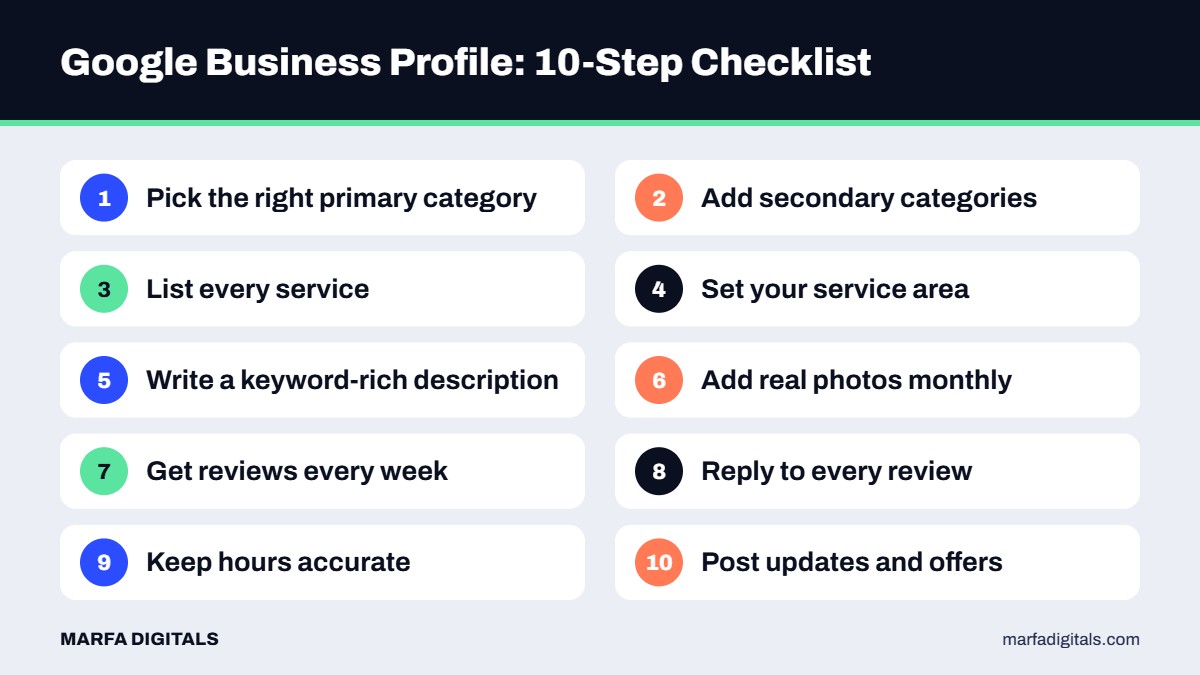
Link to a fast page that matches your main service and city. Consistent business information across your website and directories builds trust with Google. Our local SEO services cover profile optimization, citations and location pages.
Want faster results while SEO builds? Add local Google Ads and see the complete local leads guide.
Want to show up in the map pack?
We optimize Google Business Profiles and local SEO for service businesses across the US.
Get a Free Profile Review →Some changes, like categories and services, can improve visibility within weeks. Reviews and local SEO build results over several months.
Yes. Service-area businesses can hide their address and still rank for customers in the areas they serve.
Keep going: Work through our full local SEO checklist, build a steady flow of Google reviews, and learn how your profile feeds Google AI Mode results.
 Local Lead Generation Landing Pages for Local Service Businesses: 12 Elements That Turn Clicks Into Calls
Read article
Local Lead Generation Landing Pages for Local Service Businesses: 12 Elements That Turn Clicks Into Calls
Read article
 Local Lead Generation Angi and Thumbtack vs Google Ads: Which Is Better for Local Service Businesses?
Read article
Local Lead Generation Angi and Thumbtack vs Google Ads: Which Is Better for Local Service Businesses?
Read article
 Local Lead Generation Missed Call Text Back: Stop Losing Local Leads When You Cannot Answer
Read article
Local Lead Generation Missed Call Text Back: Stop Losing Local Leads When You Cannot Answer
Read article
