Show your ads only to people within 10–15 miles of your business. Here is how to set up Google Ads radius targeting the right way.
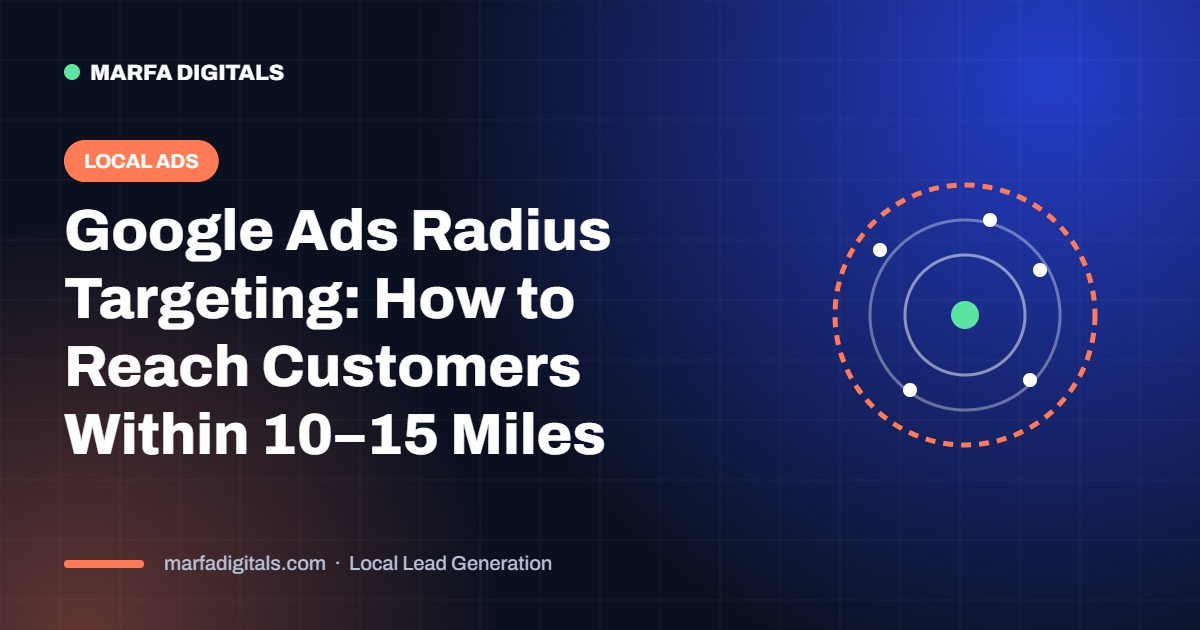
To reach customers within 10–15 miles, go to Campaign settings → Locations → Advanced search → Radius, enter your business address and set the distance. Then change location options to “Presence: people in or regularly in your targeted locations” so your ads do not show to people who are only searching about your area.
A locksmith, cleaner or clinic cannot profit from calls 40 miles away. Every click outside your service area is wasted budget. Tight targeting lowers cost per call and keeps your schedule full with nearby jobs.
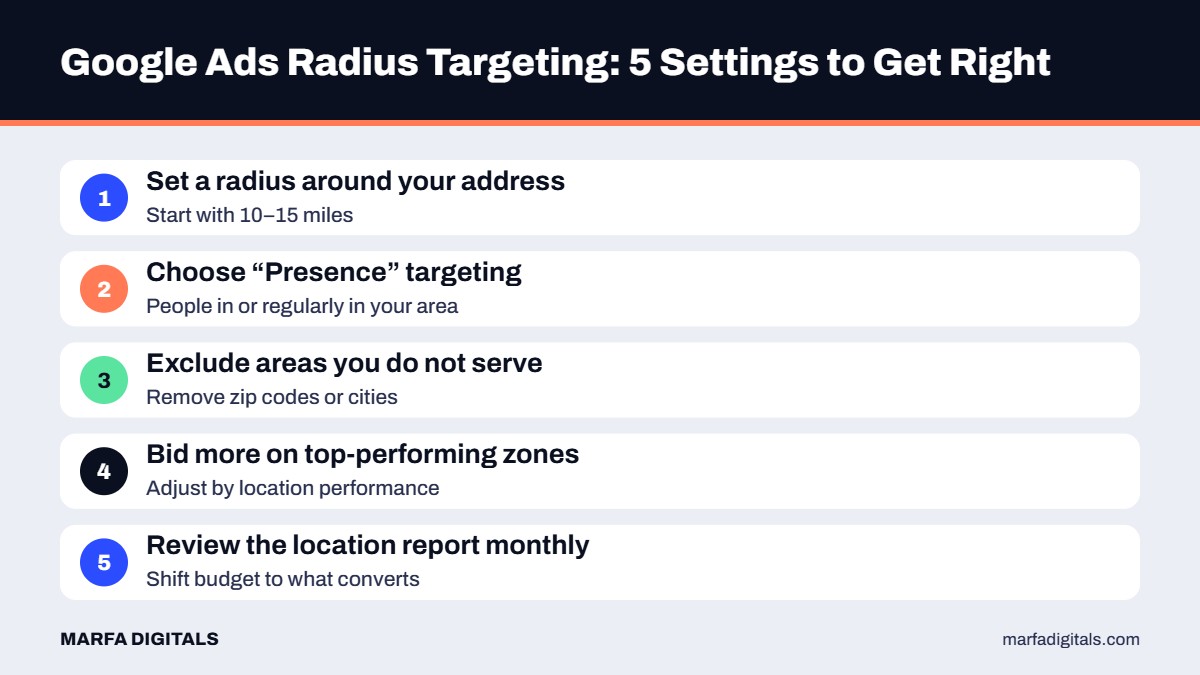
A radius is quick to set up. Zip code targeting gives more control when traffic, travel time or customer value differ by neighborhood. Many local businesses start with a radius, then switch to the best-performing zip codes after 30–60 days.
Next, make it easy to call: read how to get more phone calls from Google Ads. For the full system, see our local leads guide. Already getting clicks with no calls? Check these 7 fixes.
Want Google Ads that only reach your service area?
We set up and manage local campaigns built around calls and booked jobs. Explore our Google Ads management services.
Get a Local Ads Plan →Google Ads lets you target a radius as small as about 1 mile (or 1 km), but very small areas may not have enough search volume.
Start with a radius for simplicity, then move to zip code targeting once you know which areas bring the best customers.
 Local Lead Generation Landing Pages for Local Service Businesses: 12 Elements That Turn Clicks Into Calls
Read article
Local Lead Generation Landing Pages for Local Service Businesses: 12 Elements That Turn Clicks Into Calls
Read article
 Local Lead Generation Angi and Thumbtack vs Google Ads: Which Is Better for Local Service Businesses?
Read article
Local Lead Generation Angi and Thumbtack vs Google Ads: Which Is Better for Local Service Businesses?
Read article
 Local Lead Generation Google Business Profile Optimization Checklist: 10 Steps to Get More Calls
Read article
Local Lead Generation Google Business Profile Optimization Checklist: 10 Steps to Get More Calls
Read article
