
Texas Sales Tax on Shopify: Setup Guide for Dallas Store Owners (2026)
A plain-English guide to collecting Texas sales tax on Shopify: permits, rates, Shopify settings, origin-based sourcing and common mistakes.
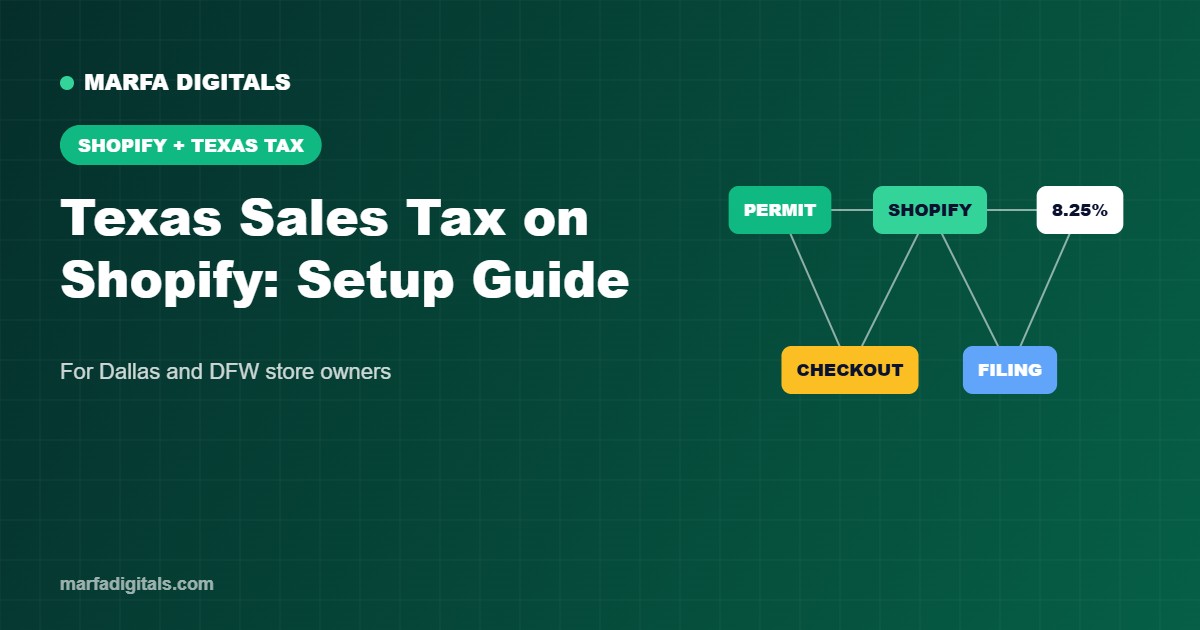
To collect Texas sales tax on Shopify, first get a free Texas sales and use tax permit from the Texas Comptroller, then go to Settings → Taxes and duties → United States in Shopify, add Texas as a registered state, and enter your permit number. Shopify will then calculate tax at checkout. Texas has a 6.25% state rate plus up to 2% in local taxes, so the maximum combined rate is 8.25%, which is the rate in the City of Dallas. Texas uses origin-based sourcing for most sales by Texas-based sellers to Texas customers.
Reviewed by the Marfa Digitals E-commerce Team · Last updated October 2026 · About our team
Sales tax is one of the most common questions we hear from Dallas Shopify store owners. Setting it up incorrectly can mean undercharging customers and paying the difference yourself, or overcharging and frustrating buyers. This guide walks through the setup in plain English. It is general information, not tax or legal advice, so confirm the details for your business with a CPA or the Texas Comptroller’s sales tax page.
Do Dallas Shopify Stores Need to Collect Sales Tax?
If your business is located in Texas and you sell taxable goods, yes. Most physical products, including clothing, home decor, cosmetics and accessories, are taxable in Texas. Some items, such as most unprepared food, are exempt. Digital products and services have their own rules, so check how your product category is treated.
Texas Sales Tax Rates at a Glance
| Component | Rate |
|---|---|
| Texas state sales tax | 6.25% |
| Local taxes (city, county, transit, special districts) | Up to 2.00% |
| Maximum combined rate | 8.25% |
| City of Dallas combined rate | 8.25% |
Many DFW suburbs are also at 8.25%, but some areas are lower. Shopify looks up the correct local rate automatically when your settings are right.
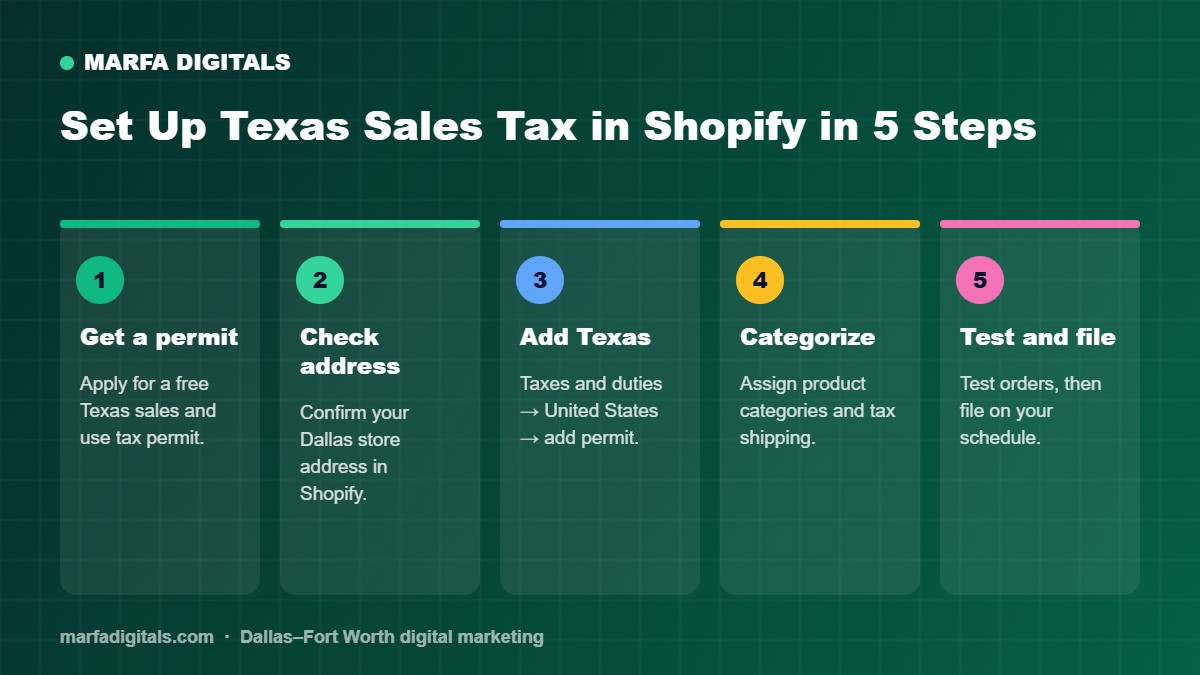
Step-by-Step: Set Up Texas Sales Tax in Shopify
- Get your Texas sales and use tax permit. Apply online with the Texas Comptroller. There is no fee for the permit itself.
- Confirm your business address in Shopify. Go to Settings → Store details and make sure your Dallas address is correct, because Texas uses your location for in-state sourcing.
- Add Texas as a tax registration. Go to Settings → Taxes and duties → United States → Collect sales tax, choose Texas and enter your permit number.
- Assign product categories. Use Shopify’s product categories so tax-exempt or special items are treated correctly.
- Check shipping tax. In Texas, delivery charges on taxable items are generally part of the taxable sales price, so make sure shipping is taxed where required.
- Test an order. Place a test order to a Dallas address and to another Texas city to confirm the rate.
- File on time. The Comptroller assigns a monthly, quarterly or yearly filing schedule. Shopify’s tax reports help you prepare returns. See Shopify’s tax documentation for current menu names.
Origin-Based vs Destination-Based: What Texas Sellers Need to Know
For most sales from a Texas place of business to a Texas customer, local tax is based on the seller’s location (origin-based). If your store is in Dallas and you ship to Austin, you generally charge the Dallas rate. Out-of-state sellers that pass Texas’s economic nexus threshold follow different rules and may choose a single local use tax rate. If you sell into other states, check each state’s nexus thresholds.
Texas Sales Tax Holiday and Special Cases
- Sales tax holiday: Texas holds an annual sales tax holiday, usually in August, for qualifying clothing, footwear and school supplies under a set price. Plan your Shopify settings and promotions ahead of time.
- Local pickup: orders picked up at your Dallas shop are taxed at your shop’s rate.
- Wholesale and resale: collect a resale certificate from B2B buyers and mark them tax-exempt in Shopify.
- Marketplace sales: marketplaces like Amazon or Etsy usually collect and remit tax for you on those sales, but your Shopify sales are still your responsibility.
Common Shopify Sales Tax Mistakes
- Forgetting to add the permit number, so no tax is collected.
- Marking all products as non-taxable during a sale and never switching them back.
- Not taxing shipping on taxable orders.
- Missing filing deadlines, which leads to penalties.
Need Help Setting Up Your Shopify Store?
Marfa Digitals builds Shopify stores for Dallas businesses with taxes, shipping, local delivery and tracking configured correctly from day one. Learn what a full build includes in our Shopify development cost guide for Dallas, or see our Dallas agency guide.
Get help with your Shopify store →
Frequently Asked Questions
What is the sales tax rate in Dallas, TX?
The combined sales tax rate in the City of Dallas is 8.25 percent: 6.25 percent state tax plus 2 percent in local taxes.
Is Texas an origin-based sales tax state?
For most sales by Texas-based sellers to Texas customers, yes. Local tax is generally based on the seller location.
Does Shopify file my Texas sales tax return?
No. Shopify calculates and collects tax at checkout and provides reports, but you are responsible for filing and paying the Texas Comptroller.
Is shipping taxable in Texas?
Generally yes when the items being shipped are taxable, because delivery charges are part of the taxable sales price.
Related articles
 E-commerce Shopify Store Development in Dallas: Cost, Timeline and What You Should Get
Read article
E-commerce Shopify Store Development in Dallas: Cost, Timeline and What You Should Get
Read article
 E-commerce Shopify Agentic Commerce: How to Get Your Store Ready for AI Shopping Agents
Read article
E-commerce Shopify Agentic Commerce: How to Get Your Store Ready for AI Shopping Agents
Read article
 Google Ads Google Ads for Roofers: How Roofing Companies Get More Inspections and Signed Jobs
Read article
Google Ads Google Ads for Roofers: How Roofing Companies Get More Inspections and Signed Jobs
Read article