Local Services Ads Are Moving to Performance Max: What Home Service Businesses Need to Do
Google is moving Local Services Ads into Google Ads as Performance Max campaigns with pay-per-lead goals. Here is the timeline, what changes, and a checklist for before and after your account migrates.
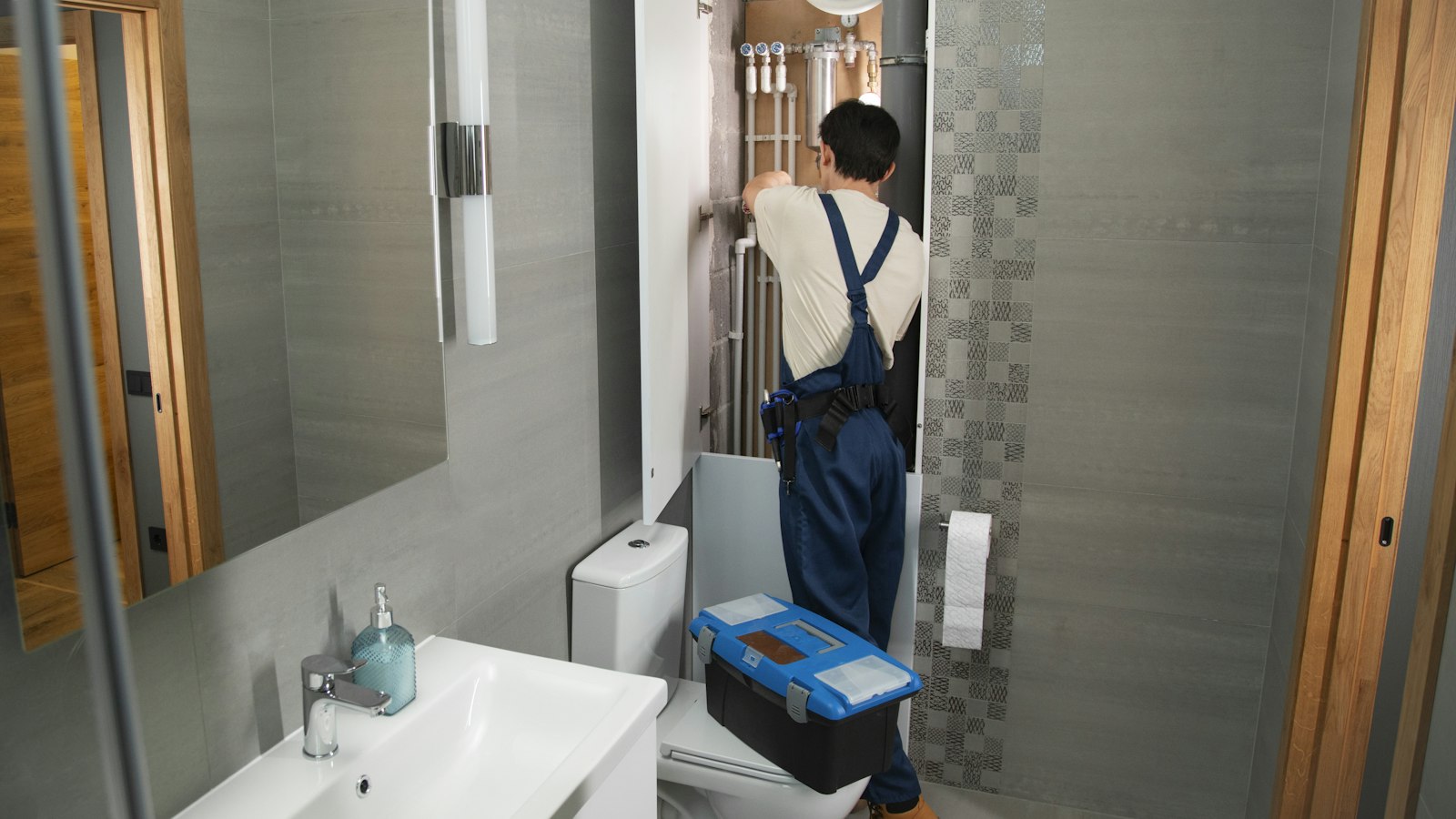
Google is moving Local Services Ads (LSA) out of the separate LSA dashboard and into Google Ads, where they become Performance Max campaigns with pay-per-lead goals. You still pay only for valid leads and still show on Google Search and Maps. What changes is where you manage the ads, how budgets and bidding work, and which reports you keep. Download your LSA performance reports before your account migrates, because they will not carry over.
If you’re a plumber, HVAC contractor, electrician, roofer, cleaner, pest control company or other home service business that relies on the Google Verified badge for leads, this change affects you directly. Below we explain what Google has confirmed, what you need to do before and after the switch, and the mistakes we expect to see.
What Is Changing With Local Services Ads?
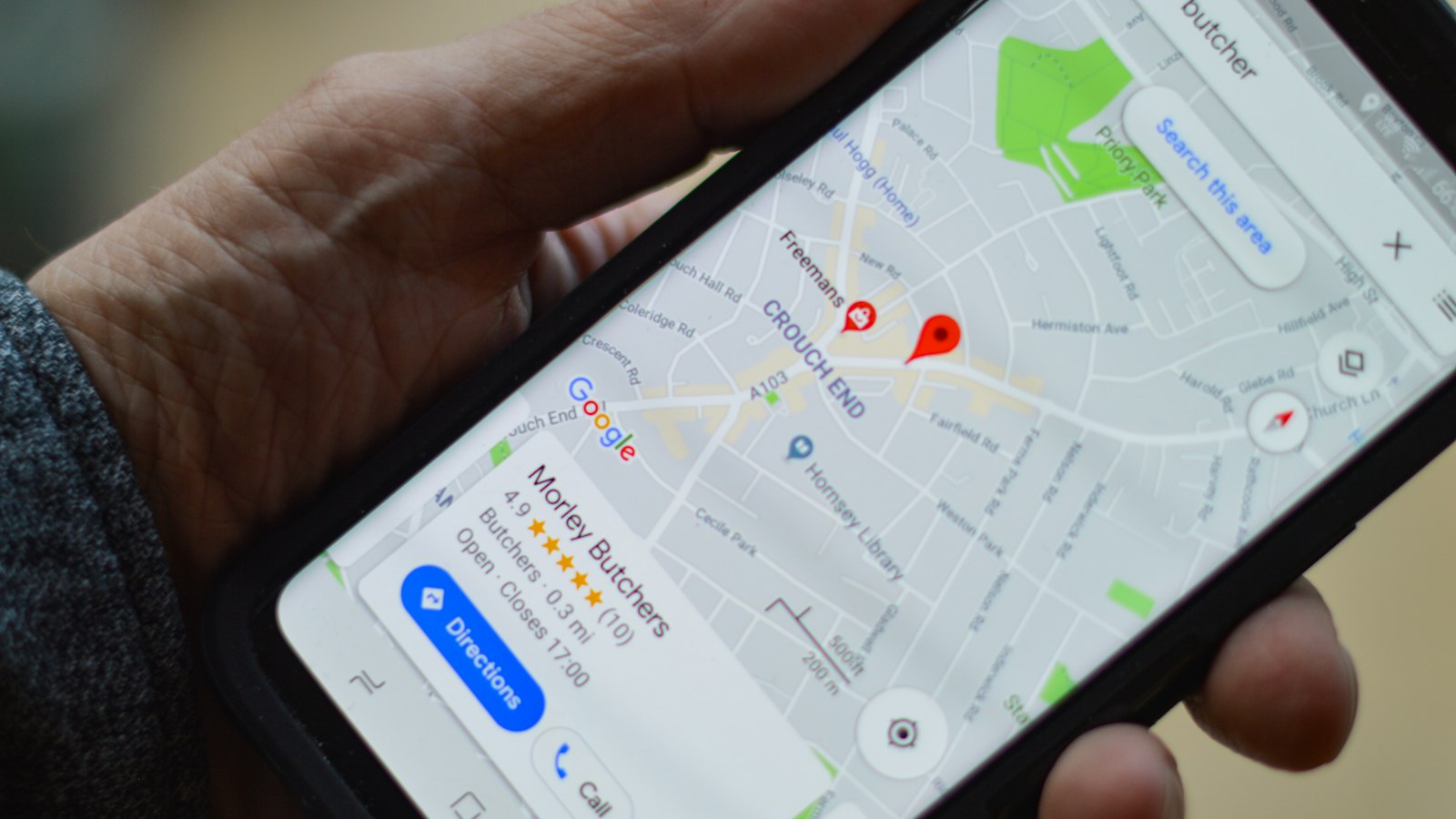
According to Google’s official help article, Local Services Ads are transitioning to Performance Max campaigns with pay-per-lead goals inside Google Ads. These are not standard Performance Max campaigns. Standard Performance Max can show on YouTube, Gmail and the Display Network. The LSA version still appears only on Google Search and Google Maps, in the same positions as before.
Once your account migrates, the old LSA dashboard redirects to Google Ads. Budgets, targeting and replies to leads are all managed there.
Migration Timeline: When Will My Account Move?
| Phase | Who is included |
|---|---|
| August 2026 | Select US home and storefront service advertisers in plumbing, HVAC, electrical, appliance repair, house cleaning, lawn care, roofing, pest control and moving |
| Late 2026 | Service-area businesses without a storefront, plus accounts with custom bidding or booking setups |
| 2027 | Non-US accounts and remaining categories |
Google says the account admin receives an email 14 days before migration, a reminder 7 days before, and a confirmation afterwards. Allow up to two weeks after the switch for performance to stabilize.
What Stays the Same
- Pay per lead: You pay for valid leads such as calls and messages, not clicks.
- Placement: Ads still show at the top of Google Search and on Google Maps.
- Keywordless targeting: You don’t choose keywords. Targeting is based on your service categories and service areas.
- Verification: Your existing verified status and Google Verified badge carry over. Google says insurance and license reverification are no longer required as part of the move.
- Leads and messages: Past leads and customer message history move with you.
What Changes
1. Budgets switch from weekly to daily
Your weekly budget becomes an average daily budget (weekly budget divided by 7). Monthly spend is capped at your daily budget multiplied by 30.4. On a busy day, spend can exceed your daily average, so check monthly totals rather than reacting to single days.
2. Manual bidding goes away
Manual bidding, such as setting a maximum cost per lead, and category-level target cost per lead are being removed. A single campaign-level target CPA applies to all your service categories. If you need separate bids for, say, emergency plumbing and water heater installs, you’ll need separate campaigns for those services.
3. Business details come from Google Business Profile
Your business name, address and hours sync from your Google Business Profile. Google warns that significant name or address changes trigger a 24 to 48 hour verification review, during which your campaign may pause. Update those details in your Business Profile, not in Google Ads.
4. BBB callouts are removed
Better Business Bureau callouts are no longer supported. Google recommends adding at least six other structured callouts in your campaign’s Assets tab, for example “Same-day service,” “Upfront pricing,” or “Licensed and insured.”
5. Historical reports don’t migrate
Your old performance reports will not carry over. If you’ve spent years building LSA data on cost per lead by service type, export it now. You’ll want it to judge whether performance improves or drops after the switch.
Before Migration: 5-Step Checklist
- Export your reports. Download lead reports and performance data by category, or take screenshots if a download isn’t available.
- Record your current settings. Note your weekly budget, bid strategy, service types, service areas and ad schedule so you can confirm they transferred correctly.
- Clean up your Google Business Profile. Confirm your name, address, phone, hours and categories are correct, since they now drive your ads.
- Write your callouts. Prepare six or more short callouts to replace BBB callouts.
- Know your numbers. Calculate your current cost per lead and cost per booked job so you can set a sensible target CPA.
After Migration: What to Check in Your First 14 Days
- Open the campaign Settings tab and confirm budget, target CPA, service areas, schedule and categories.
- Find your leads under Goals, then Conversions, then Leads, where you can reply to messages and download leads.
- Add structured callouts and up to 100 business photos in the Assets tab. Headlines, videos and sitelinks don’t apply to these campaigns.
- Keep disputing invalid leads, such as spam or calls for services you don’t offer, so you’re not paying for them.
- Compare cost per lead and booked jobs against the reports you exported. Give it the full two weeks before making big changes.
Common Mistakes to Avoid
- Editing your business name in Google Ads. It syncs from your Business Profile, and big changes can pause your ads during re-verification.
- Setting the target CPA too low. An unrealistic target can choke lead volume. Start near your recent cost per lead and adjust gradually.
- Forgetting about lead quality. With one target for all categories, low-value jobs can soak up budget. Split high-value services into their own campaign if needed.
- Ignoring the calendar. If you’re in a later wave, watch your inbox for the 14-day notice so the switch doesn’t land in your busiest week unprepared.
Should You Still Run Local Services Ads?
For most home service businesses, yes. Pay-per-lead pricing and the Google Verified badge remain valuable, and the move into Google Ads makes it easier to manage LSA alongside your Search campaigns in one place. The best results usually come from running LSA and Google Search ads together, with call tracking so you can see which leads become paying jobs. For the bigger picture, read our guide to local business marketing trends for 2027.
Frequently Asked Questions
Are Google Local Services Ads being discontinued?
No. They’re moving into Google Ads as Performance Max campaigns with pay-per-lead goals. The ads, placement and pay-per-lead model stay the same.
Do I need to set up a new campaign?
No. Locations, service types, categories, budget limits, ad schedule and business photos transfer automatically. Google says new pay-per-lead campaigns can’t yet be created in Google Ads, so new advertisers still start through Local Services.
Will I lose my Google Verified badge?
No. Google says your verified status and badge carry over to the new campaign.
Can I still pause my ads?
Yes. You pause or resume by changing the campaign status in Settings within Google Ads.
Want a smooth LSA migration? Our team manages Local Services Ads and Google Ads for US home service businesses. Book a free account review and we’ll check your settings before and after the switch.
Source: Google Ads Help, Local Services Ads transition to Performance Max campaigns with pay-per-lead goals. Details may change as Google continues the rollout.