LinkedIn Ads for B2B Lead Generation: A Practical Playbook for Small B2B Companies
A three-stage LinkedIn Ads framework for B2B companies that need qualified pipeline, not just clicks.
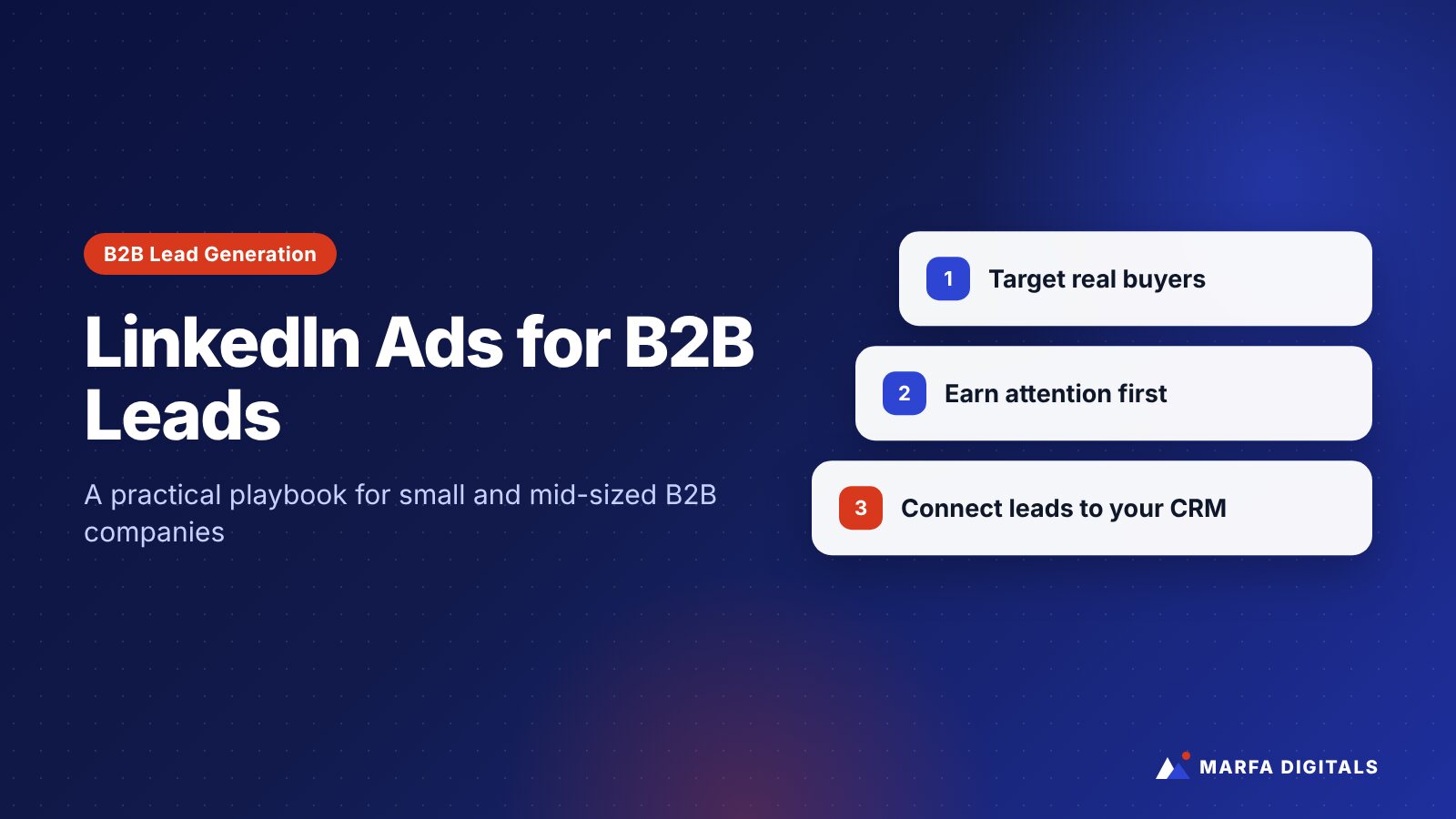
LinkedIn Ads work for B2B lead generation when you target a clearly defined buyer, offer something genuinely useful in exchange for contact details, and connect leads to a CRM so sales can follow up quickly. LinkedIn’s main advantage is professional targeting by job title, function, seniority, industry, and company. Its main drawback is cost per click, which is often higher than on other platforms. That makes offer quality, audience precision, and follow-up discipline more important on LinkedIn than almost anywhere else.
Many small and mid-sized B2B companies try LinkedIn Ads once, spend a few thousand dollars, get a handful of leads that go nowhere, and decide the platform does not work for them. Usually, the platform was not the problem. The campaign was asking cold prospects for a sales meeting, targeting too broadly, or sending leads into an inbox nobody checked.
This guide lays out a practical LinkedIn Ads approach for B2B companies, SaaS businesses, and professional service firms that need qualified pipeline, not just clicks.
When LinkedIn Ads Make Sense
LinkedIn is usually worth testing when:
- You sell to businesses, and you can name the job titles or functions that buy from you.
- Your average contract value or customer lifetime value is high enough to justify higher acquisition costs.
- Your buyers are hard to reach precisely on Google or Meta.
- You have a sales process ready to follow up on leads within hours, not days.
LinkedIn is usually a poor fit for low-priced consumer products, local services sold to homeowners, or businesses that cannot define their buyer beyond “small business owners.”
The Mistake Most B2B Companies Make
The most common LinkedIn Ads mistake is asking for too much, too soon. A cold prospect scrolling their feed is rarely ready to book a demo with a company they have never heard of. Ads that lead with “Book a call” to cold audiences often produce expensive clicks and few qualified leads.
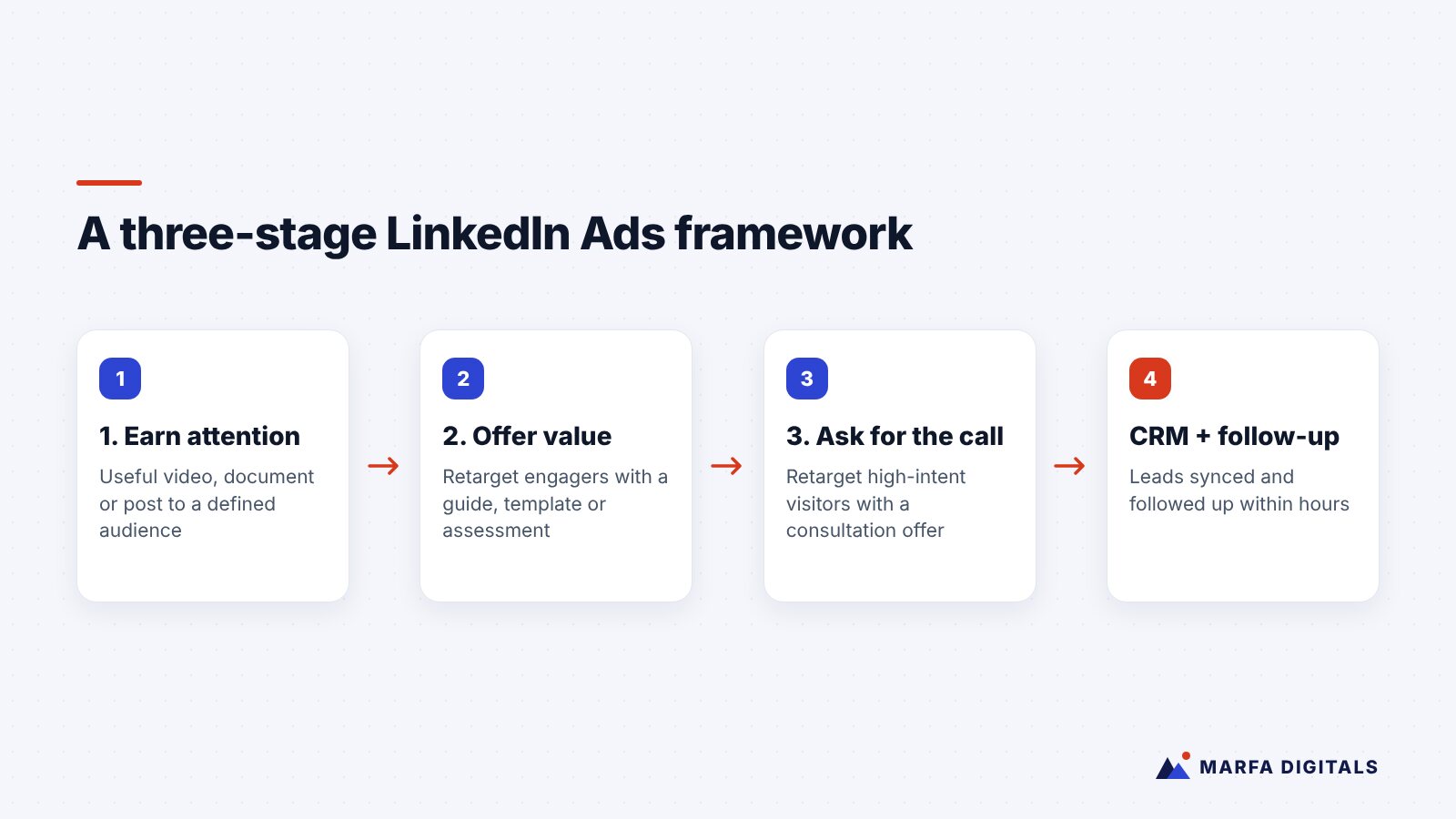
A better approach treats LinkedIn as a sequence: earn attention, build familiarity, then ask for the conversation.
A Three-Stage LinkedIn Ads Framework
Stage 1: Earn attention with useful content
Run ads to your target audience that teach something specific: a short video, a document ad with a framework, a checklist, or a point of view on a problem your buyers face. Measure engagement, video views, and visits rather than leads. The goal is to build a warm audience.
Stage 2: Offer something worth exchanging contact details for
Retarget people who engaged with stage 1 content or visited your website. Offer a useful asset, such as a benchmark report you built from your own expertise, an assessment, a template, or a recorded workshop. LinkedIn’s Lead Gen Forms are prefilled with profile data, which reduces friction on mobile.
Stage 3: Ask for the conversation
Retarget people who downloaded your asset or visited high-intent pages, such as pricing or case studies. Now an offer like “Get a free assessment” or “Book a 30-minute strategy session” is a reasonable ask.
How to Target on LinkedIn Without Wasting Budget
Start narrow and specific
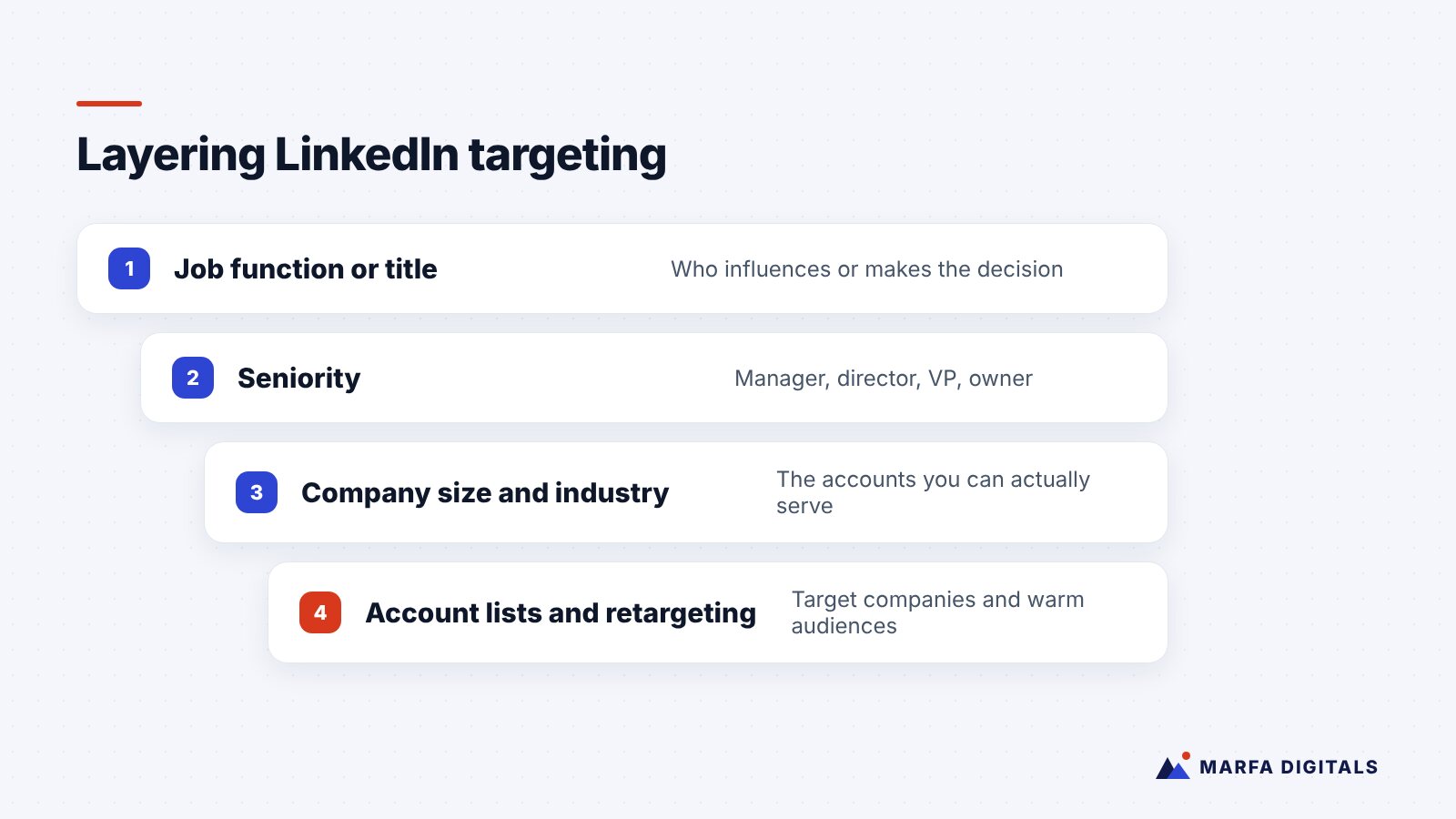
Combine job function or title with seniority, company size, and industry. For example: operations and IT decision-makers at US healthcare organizations with 50 to 500 employees. Avoid stacking so many filters that the audience becomes too small to deliver.
Use account lists when you know your targets
If you have a list of target companies, upload it and target decision-makers within those accounts. This is the foundation of account-based marketing on LinkedIn.
Build retargeting audiences early
Install the LinkedIn Insight Tag on your website and create audiences of visitors, video viewers, and people who opened your lead forms. These warm audiences usually become your best performers.
Exclude the wrong people
Exclude current customers, competitors, your own employees, and job seekers where possible. Turn off audience expansion until you have data proving it helps.
Ad Formats Worth Testing
| Format | Best for |
|---|---|
| Single image ads | Simple offers and clear value propositions |
| Document ads | Frameworks, checklists, and guides people can preview in the feed |
| Video ads | Explaining a problem or showing expertise; building retargeting audiences |
| Thought leader ads | Promoting posts from your founder or experts, which often feel more personal than brand ads |
| Lead Gen Form ads | Collecting leads without sending people to a landing page |
Lead Gen Forms vs Landing Pages
Lead Gen Forms usually produce more leads because they are fast and prefilled. Landing pages usually produce fewer but more intentional leads, because the person had to make more effort. Many B2B companies use both: Lead Gen Forms for content offers, and landing pages for high-intent requests such as consultations.
If you use Lead Gen Forms, add one or two qualifying questions, such as company size or the main challenge, to help sales prioritize. Do not add so many that you lose the speed advantage.
Connect LinkedIn to Your CRM and Follow Up Fast
LinkedIn lets you send leads to your CRM or marketing automation platform. Do it. Leads that sit in a Campaign Manager download for a week cool off quickly.
- Sync leads to your CRM automatically.
- Send an immediate, useful follow-up email that delivers what they asked for.
- Alert the right salesperson for high-intent requests.
- Track which leads become opportunities and customers.
LinkedIn also offers a Conversions API that lets advertisers send conversion events from their own systems to LinkedIn, which helps with attribution and campaign optimization.
How to Measure Success
Do not judge LinkedIn Ads on cost per click or even cost per lead alone. Track:
- Cost per qualified lead, as defined by your sales team
- Meetings booked and opportunities created
- Pipeline value and closed revenue attributed to LinkedIn
- Influence on deals, since many B2B buyers see LinkedIn ads before converting through another channel
LinkedIn Works Best as Part of a System
LinkedIn rarely carries a B2B growth program alone. In a B2B IT services engagement featured in our case studies, the combination of LinkedIn, high-intent Google Search campaigns, a new landing page, and CRM automation produced 32 qualified leads per month. Each channel played a different role: LinkedIn built targeted awareness, Google captured active demand, and automation made sure no lead went cold.
If your company also wants buyers to find you through research, pair paid campaigns with content that answers their questions. Our guide to generative engine optimization for B2B companies explains how to become visible in AI-assisted research too.
Frequently Asked Questions
How much should I spend on LinkedIn Ads?
Enough to run a full test across your audience and offer for several weeks. Because clicks are relatively expensive, very small budgets often produce too little data to learn from. Base your budget on your deal size and how many qualified leads you need.
Are LinkedIn Ads better than Google Ads for B2B?
They do different jobs. Google Search captures people already looking for a solution. LinkedIn reaches the right people before they search. Most B2B companies benefit from both.
How long before LinkedIn Ads produce results?
Lead volume can start within weeks, but B2B sales cycles mean revenue results take longer. Judge early performance on lead quality and meetings booked.
Build a LinkedIn Program That Produces Pipeline
LinkedIn Ads reward preparation: a clear buyer, a strong offer, and a fast follow-up system. If you want help planning or running LinkedIn campaigns alongside Google Search and CRM automation, our performance marketing team can help. Get your free growth plan.
Sources
- LinkedIn Marketing Solutions, Lead Gen Forms
- Microsoft Learn, LinkedIn Conversions API