
Marketing Automation for Small Business: 7 Workflows to Set Up First
Seven practical automation workflows that help small businesses respond faster, follow up consistently and win more customers.
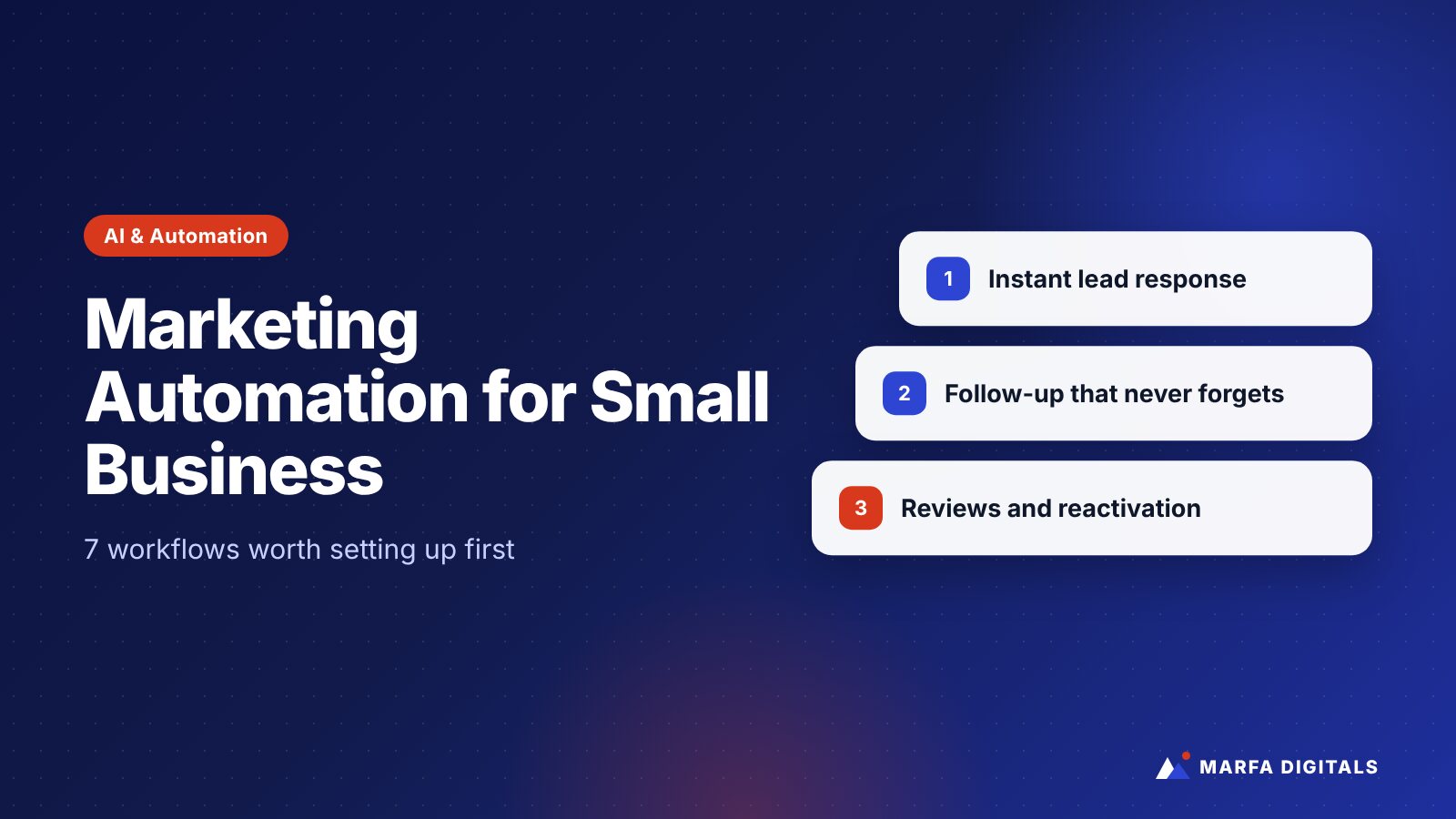
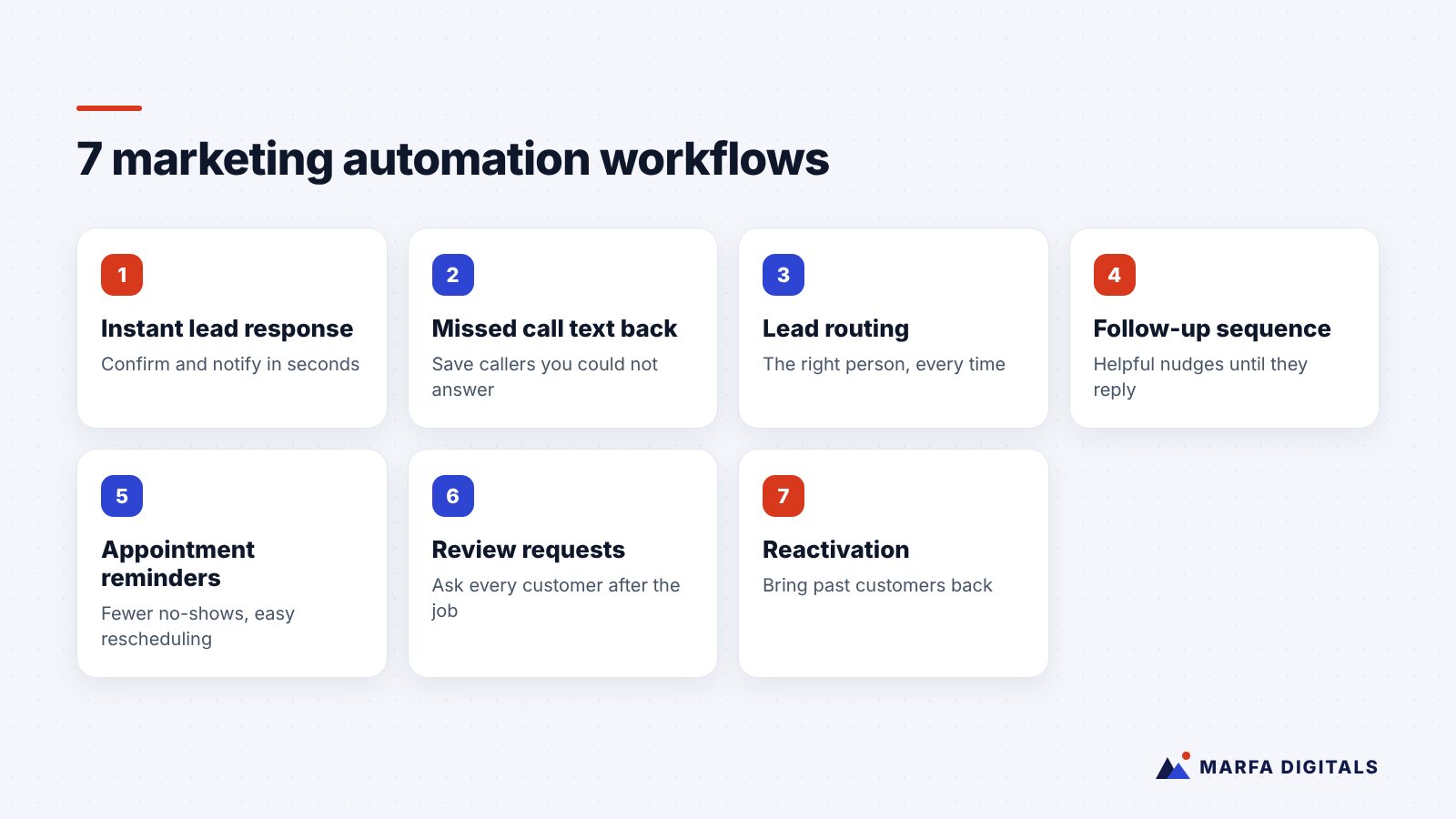
The marketing automation workflows that pay off fastest for small businesses are the ones closest to revenue: instant lead response, missed-call text back, lead routing, follow-up sequences for unresponsive leads, appointment reminders, review requests after a completed job, and reactivation campaigns for past customers. Start with one or two, connect them to your CRM, measure the effect on booked jobs or sales, and only then add more.
Most small businesses do not have a lead generation problem as much as a lead handling problem. Inquiries come in through forms, calls, ads, and messages. Some get a fast reply. Some wait until the next morning. Some are never followed up at all.
Marketing automation fixes that gap by making sure the right thing happens every time, even when your team is busy. You do not need an enterprise platform or a complex strategy to start. You need a few well-designed workflows that match how your customers actually buy.
What Is Marketing Automation for a Small Business?
Marketing automation means using software to trigger actions automatically based on what a lead or customer does. A form submission can trigger an email and a text. A missed call can trigger a text-back. A completed job in your CRM can trigger a review request. A quote that has not been accepted after a set number of days can trigger a follow-up.
The tools vary, from CRMs such as HubSpot to industry-specific platforms for home services, healthcare, or real estate, but the principles are the same.
7 Workflows Worth Setting Up First
1. Instant lead response
Trigger: A website form, landing page, or ad lead form is submitted.
Actions: Send an immediate confirmation email and, where you have consent, a text. Tell the person what happens next and when. Create or update the contact in your CRM and notify the right team member.
Why it matters: People who contact you often contact competitors too. A fast, personal-sounding response keeps you in the conversation.
2. Missed call text back
Trigger: A call to your business goes unanswered.
Actions: Send an automatic text acknowledging the missed call and offering a way to book or describe the need. Our guide to missed call text back covers setup and examples.
Why it matters: For service businesses, an unanswered call is often a lost job. A text gives the caller a reason to wait for you.
3. Lead routing and assignment
Trigger: A new lead arrives in your CRM.
Actions: Assign it based on service type, location, deal size, or availability, then alert that person by email, text, or team chat.
Why it matters: Leads that belong to “everyone” often belong to no one.
4. Follow-up for unresponsive leads
Trigger: A lead has not replied or booked after your first contact.
Actions: Send a short sequence of helpful follow-ups over the next one to two weeks: answer common questions, share a relevant case study or guide, and make it easy to book. Stop the sequence as soon as they reply.
Why it matters: Many leads are not ready the first time you reach them. Consistent, useful follow-up wins business that would otherwise be lost to silence.
5. Appointment confirmations and reminders
Trigger: An appointment, consultation, or demo is booked.
Actions: Send a confirmation immediately, then reminders before the appointment, with an easy reschedule option.
Why it matters: Reminders reduce no-shows, and easy rescheduling keeps the opportunity alive when plans change.
6. Review requests
Trigger: A job is completed, a product is delivered, or a project is closed in your CRM.
Actions: Send a short, personal request for an honest review with a direct link. Follow up once if there is no response.
Why it matters: Steady, recent reviews support local SEO and conversions. Ask every customer, not just the happy ones, and never offer incentives in exchange for positive reviews. Our guide to getting more Google reviews explains a compliant system.
7. Past customer reactivation
Trigger: A customer has not purchased or booked in a set period, or a seasonal service is coming due.
Actions: Send a relevant reminder or offer: annual maintenance, a seasonal check, a reorder reminder, or a new service they may need.
Why it matters: Past customers already know and trust you. Reactivation is often one of the lowest-cost sources of revenue a business has.
Where AI Fits In
AI is making these workflows more capable. AI chatbots can answer common questions and capture leads on your website after hours. AI receptionists can answer calls, qualify callers, and book appointments. AI can also draft personalized follow-up messages or summarize call notes into your CRM.
Use AI where it removes delays or repetitive work, and keep a human in the loop for complex questions, pricing negotiations, and anything sensitive. If you are weighing AI for phone calls, our guide to AI receptionists for small businesses covers the trade-offs.
How to Get Started Without Overcomplicating It
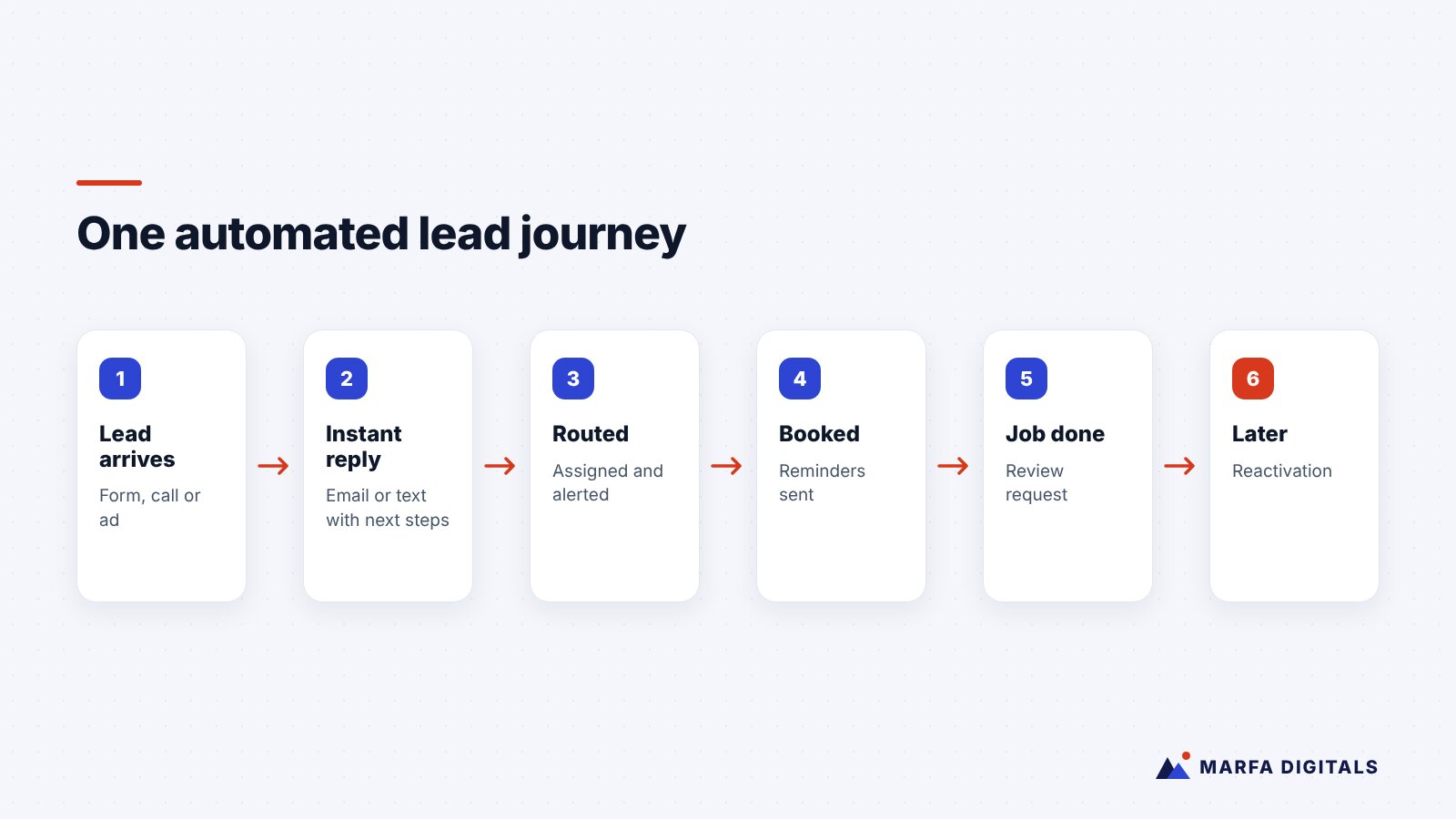
- Map your current lead journey. Write down every way leads arrive and what happens next. Look for the gaps where leads wait or get lost.
- Pick the biggest gap. For many service businesses, it is missed calls or slow form responses. For B2B companies, it is often follow-up after the first touch.
- Make sure your CRM is the single source of truth. Automations are only as good as the data they run on.
- Write messages like a person. Short, specific, and helpful beats corporate and generic.
- Measure the outcome that matters. Booked appointments, qualified opportunities, and revenue, not just open rates.
- Review monthly. Check that triggers still fire correctly after website or system changes.
Stay Compliant
Automation does not change your legal obligations. Commercial email must follow the CAN-SPAM Act, including a working opt-out and a valid postal address. Calls and texts are subject to the Telephone Consumer Protection Act and FCC rules; the FCC’s overview is a useful starting point. Get clear consent before sending marketing texts, honor opt-outs promptly, and consult a qualified attorney about rules that apply to your industry and state.
Close the Loop With Your Ad Platforms
Once your CRM tracks which leads become customers, you can share that information back with Google and Meta so their systems optimize toward real revenue rather than raw form fills. Our guide to the Meta Conversions API explains how that works on the Meta side.
Related guides: Ready to build these? Explore our workflow automation and CRM automation services, then read 10 tasks to automate first, workflow automation for contractors and HubSpot vs GoHighLevel vs Zoho.
Frequently Asked Questions
What is the best marketing automation software for a small business?
The best tool is the one your team will actually use and that integrates with your website, phone system, and ad platforms. Start with your CRM’s built-in automation before adding new tools.
Will automation make my business feel impersonal?
Not if you do it well. Automation should handle timing and consistency, so your team has more time for real conversations.
How long does it take to set up?
A basic instant-response or missed-call workflow can often be running within days. A full lead lifecycle with routing, sequences, and CRM reporting takes longer to plan and test.
Stop Losing Leads You Already Paid For
Every unanswered call and slow reply is marketing spend left on the table. If you want help mapping your lead journey and building automations that turn more inquiries into customers, explore our AI and automation services or request a free growth plan.
Sources
- Federal Trade Commission, CAN-SPAM Act: A Compliance Guide for Business
- Federal Communications Commission, Telemarketing and Robocalls
Related articles
 Marketing Automation & AI AI Chatbots for Small Business Websites: What They Can Do and How to Set One Up
Read article
Marketing Automation & AI AI Chatbots for Small Business Websites: What They Can Do and How to Set One Up
Read article
 Marketing Automation & AI AI Receptionists for Small Businesses: Are They Worth It for Service Companies?
Read article
Marketing Automation & AI AI Receptionists for Small Businesses: Are They Worth It for Service Companies?
Read article
 Marketing Automation & AI Best CRM for Small Businesses in Texas: HubSpot vs GoHighLevel vs Zoho (2026)
Read article
Marketing Automation & AI Best CRM for Small Businesses in Texas: HubSpot vs GoHighLevel vs Zoho (2026)
Read article