Google AI Max for Search Campaigns: What the Auto-Upgrade Means for Small Businesses
Google began auto-upgrading Search campaigns to AI Max in September 2026. Here is what changed and how small businesses can keep control.
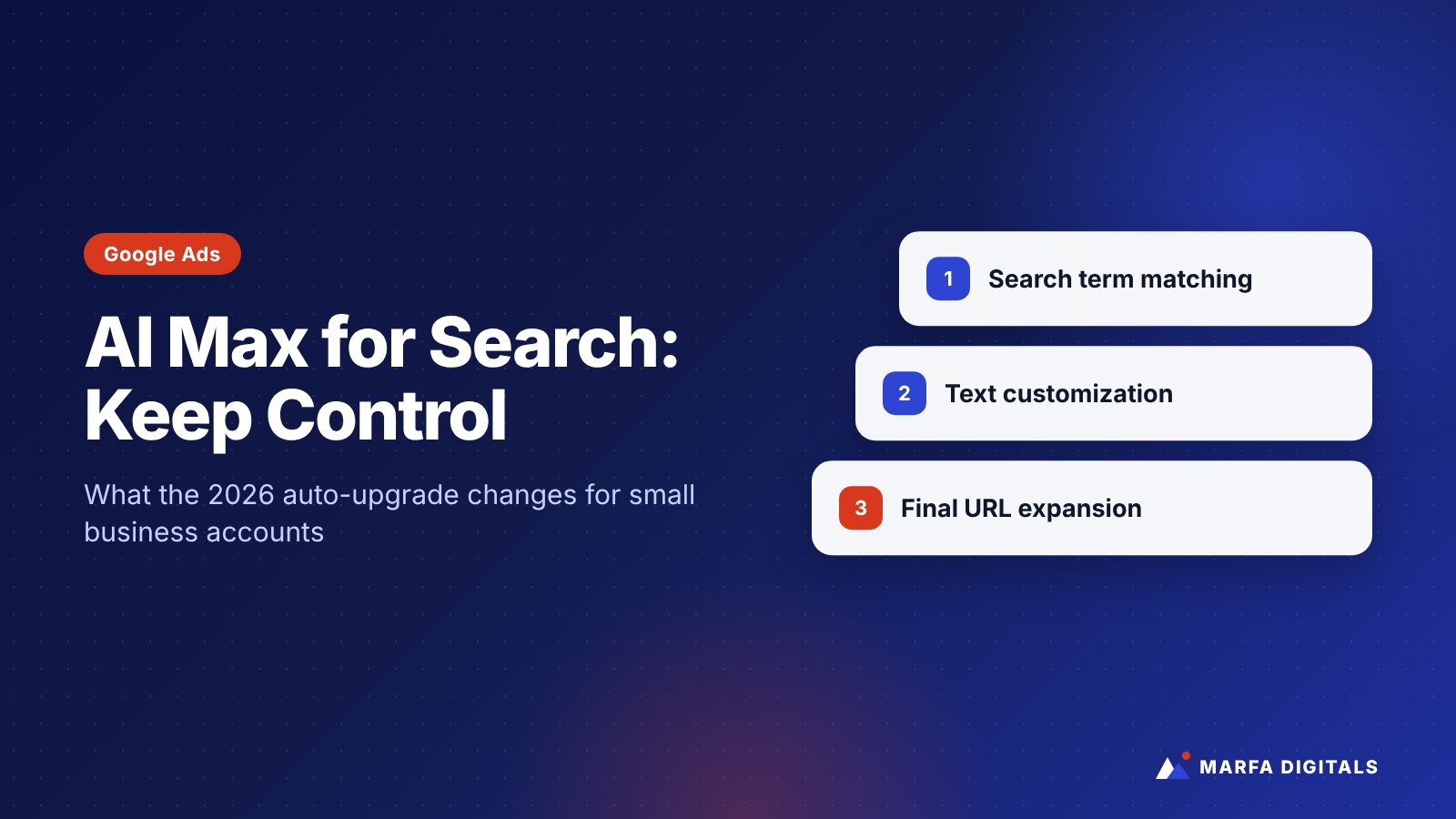
AI Max for Search is a set of Google Ads features that expands your Search campaigns beyond your keyword list, rewrites ad text based on your website, and can send clicks to whichever page on your site Google predicts will convert best. Google began automatically upgrading campaigns that used automatically created assets or campaign-level broad match in September 2026, and Dynamic Search Ads are scheduled to follow in February 2027. AI Max can find new customers, but small businesses need tighter controls, clean landing pages, and weekly search term reviews to keep it from wasting budget.
If you run Google Ads for a small or growing business, there is a good chance AI Max is already active in your account, or soon will be. Some advertisers turned it on deliberately. Others found it switched on after an automatic upgrade.
Either way, the question is the same: how do you get the benefits of broader matching without paying for searches that will never turn into customers?
What Is AI Max for Search?
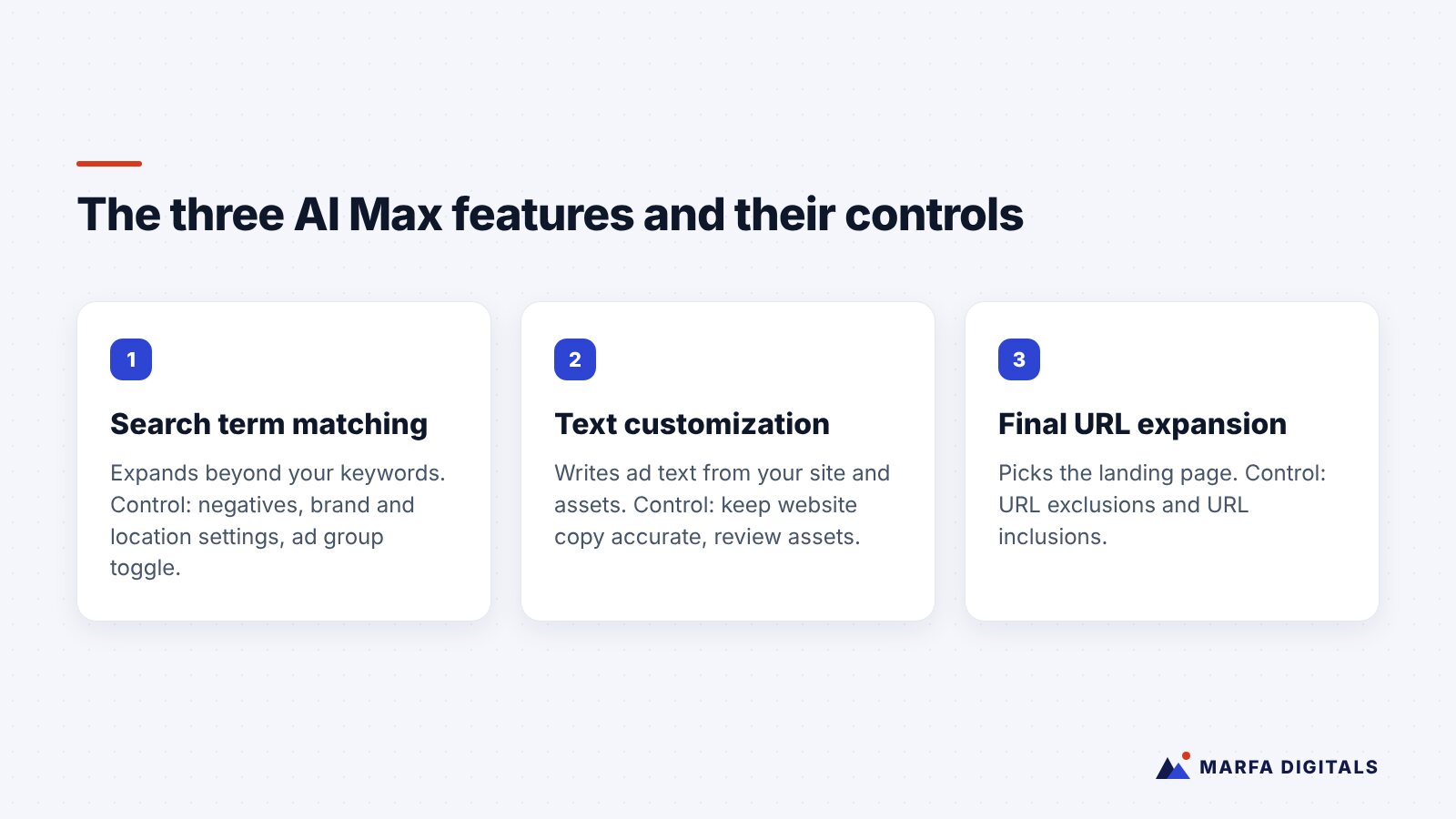
AI Max is not a new campaign type. According to Google Ads Help, it is a suite of targeting and creative features layered on top of a standard Search campaign. It has three parts:
- Search term matching. Google uses broad match, your ad assets, and your landing pages to match ads to searches you did not explicitly target. This can include “keywordless” matching, where no keyword in your account triggered the ad.
- Text customization. Formerly called automatically created assets, this generates headlines and descriptions tailored to the search, using your existing ads, landing pages, and assets.
- Final URL expansion. Google can send a click to a different page on your site than the one you set, if it predicts that page is more relevant. This requires text customization to be on.
What Changed in 2026?
In an announcement on the Google Ads blog (April 15, 2026, updated June 11, 2026), Google said it would move three older features into AI Max:
| If your campaign used… | What happens | Timing |
|---|---|---|
| Automatically created assets | Auto-upgraded to AI Max with search term matching and text customization on by default | Starting September 2026 |
| Campaign-level broad match setting | Auto-upgraded to AI Max with search term matching on by default | Starting September 2026 |
| Dynamic Search Ads (DSA) | Auto-upgraded with all three AI Max features enabled, legacy URL controls preserved | Pushed to February 2027 (per Google’s June update) |
Google says advertisers receive notifications before automatic upgrades, and anyone can upgrade voluntarily sooner. If you have not logged into your account recently, check the campaign settings to see which AI Max features are now active.
Why AI Max Can Be Risky for Small Businesses
AI Max is designed to find conversions. That sounds ideal, but it depends heavily on two things small businesses often lack: enough budget and accurate conversion data.
1. It can match searches you do not want
Broader matching is useful when it finds real customers who phrase things differently. It is expensive when it matches DIY questions, job seekers, cheap alternatives, or services you do not offer. A roofing company does not want to pay for “how to fix a roof leak yourself.” A B2B software company does not want to pay for “free CRM template.”
2. It can send clicks to the wrong page
Final URL expansion might send a paid click to a blog post, a careers page, or an outdated service page. If that page does not have a clear call to action, you pay for a click with little chance of converting.
3. It can write ads you did not approve
Text customization pulls language from your site. If your website mentions a service you no longer provide, a promotion that has ended, or a claim you would not want in an ad, that wording can surface in your ads.
4. It optimizes toward whatever you call a conversion
If your “conversion” is any form submission, AI Max will chase form submissions, including spam. If it is a page view, it will chase page views. The system is only as smart as the goal you give it.
Google itself notes that AI Max “won’t be effective if campaigns are limited by budget.” Many small business accounts run at or near their budget cap every day, so the feature may have less room to learn.
How to Keep Control of AI Max
Google provides several controls. Use them deliberately rather than accepting the defaults.
Use URL exclusions and inclusions
At the campaign level, exclude pages that should never receive paid traffic: blog posts, careers, privacy policy, login pages, and old service pages. At the ad group level, use URL inclusions to point Google toward your strongest landing pages.
Set brand controls
Brand exclusions help keep your ads off searches for brands you do not want to be associated with. Brand inclusions can keep certain ad groups focused on searches related to your own brand or products you sell.
Use locations of interest carefully
For service-area businesses, keywordless matching makes location settings even more important. Review both your campaign location targeting and any ad group-level locations of interest so you do not pay for searches from outside the areas you serve. If you rely on tight local targeting, our guide to Google Ads radius targeting walks through the setup.
Review search terms every week
Google’s search terms report now shows “AI Max” as a match type, with a column showing whether a match came from broad match expansion or keywordless matching. Review it weekly, add negative keywords for irrelevant searches, and watch for patterns such as “free,” “jobs,” “DIY,” or competitor names you do not want.
Audit your website copy
Because text customization and final URL expansion rely on your site, your website effectively becomes part of your ad account. Remove outdated services and expired offers, and make sure every important page states clearly what you do, who you serve, and where.
Fix conversion tracking first
Track the actions that actually matter: qualified calls, booked appointments, demo requests, and purchases. If you can, import offline conversions from your CRM so Google learns which leads became revenue. If calls are your main lead source, see our guide on how Google’s local ad formats are changing and make sure call tracking is in place.
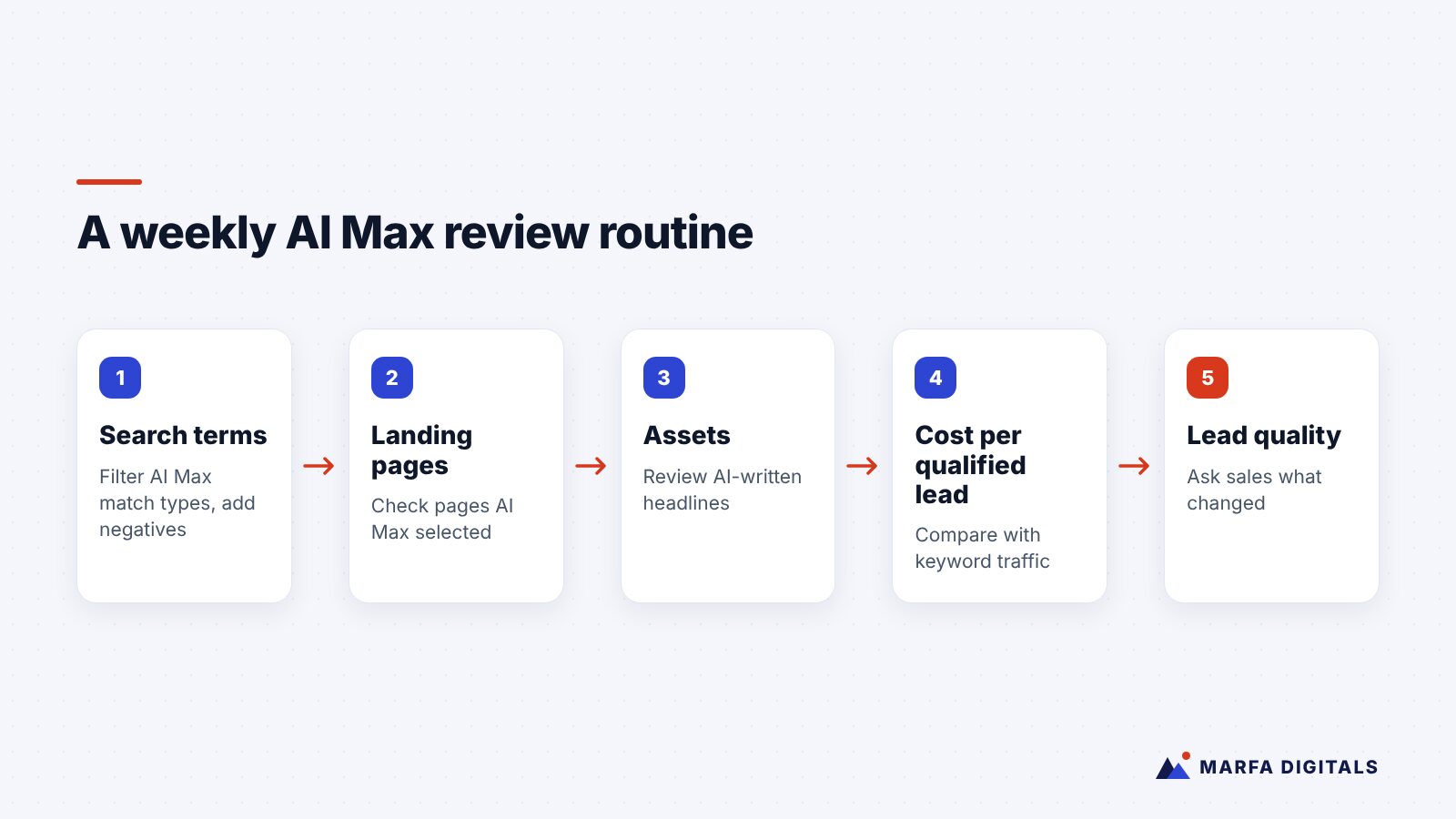
A Weekly AI Max Review Routine
- Search terms: filter for AI Max match types and add negatives for irrelevant queries.
- Landing pages: check the “Selected by” column for pages AI Max chose, and exclude any poor fits.
- Assets: review AI-generated headlines and descriptions for accuracy and compliance.
- Cost per qualified lead: compare AI Max traffic against your keyword-matched traffic, not just total conversions.
- Lead quality: ask your sales team or front desk whether leads are getting better or worse.
Should You Turn AI Max Off?
Not automatically. Search term matching can be switched off at the ad group level, and text customization and final URL expansion are campaign-level settings. Google recommends testing with experiments, and that is the sensible approach: run AI Max against a control, then judge it on cost per qualified lead or revenue, not raw conversion volume.
As a general rule, AI Max tends to suit accounts with healthy budgets, solid conversion data, and a website full of clear, accurate service pages. Accounts with tight budgets, weak tracking, or vague websites usually need groundwork first.
Frequently Asked Questions
Is AI Max the same as Performance Max?
No. Performance Max is a separate campaign type that runs across many Google channels. AI Max is a set of features inside a Search campaign.
Can I still use exact and phrase match with AI Max?
Yes. Your existing keywords keep working. AI Max adds matching on top of them, which is why monitoring the search terms report matters.
Does AI Max show ads in AI Overviews?
In a May 2025 announcement, Google said advertisers using Performance Max, Shopping, and Search campaigns with broad match, including AI Max, would be eligible for their ads to appear in AI Overviews and AI Mode. Eligibility is not the same as guaranteed placement.
Need a Second Opinion on Your Account?
Automatic upgrades are a good reason to look at your Google Ads account with fresh eyes. If you are not sure what changed or whether it is working, our Google Ads management team can review your settings, search terms, and tracking. Get in touch for a free account review.
Sources
- Google Ads Help, About AI Max for Search campaigns
- Google Ads & Commerce Blog, Dynamic Search Ads are upgrading to AI Max (April 15, 2026; updated June 11, 2026)
- Google Ads & Commerce Blog, announcement on ads in AI Overviews and AI Mode (May 21, 2025)